
How Often Should You Update Your Small Business Website?
You built the website. You launched it. You checked that everything worked.
Done forever, right?
Not quite.
Your website doesn't need constant attention, and you certainly don't need to redesign it every year. But your business changes. Your services change. Your customers change. And sometimes the website that made perfect sense three or four years ago is quietly describing a business that doesn't really exist anymore.
For a small business, nonprofit, or independent professional, the goal isn't to constantly fiddle with your website.
It's to make sure it's still doing its job.
Start with the question that actually matters
Don't start with:
Does my website look old?
Do start with:
Does my website still accurately represent my business?
Those are two different questions.
I've worked on enough small business websites to know that a site can look perfectly fine and still have problems.
Maybe you've added services that are barely mentioned.
Maybe you're attracting the wrong kinds of inquiries.
Maybe your best work is nowhere to be found.
Maybe your team has changed.
Maybe you're still directing people toward something you don't really want to do anymore.
Or maybe the website is simply vague about what happens next…
Those are business problems, not design trends.
You probably don't need a whole new website
This is important because “my website needs some work” can quickly become “I guess I need to blow the whole thing up and start over.”
Sometimes you do.
Often you don't.
I've worked on everything from brand-new websites to existing sites that simply needed better organization, updated messaging, new photography, or some technical cleanup.
A website refresh might include:
Reworking your homepage
Updating your services
Reorganizing navigation
Replacing old photography
Adding recent projects
Improving calls to action
Updating your About page
Fixing the mobile experience
Cleaning up outdated information
Improving page titles, descriptions, and local SEO
If the foundation is solid, we can work with it.
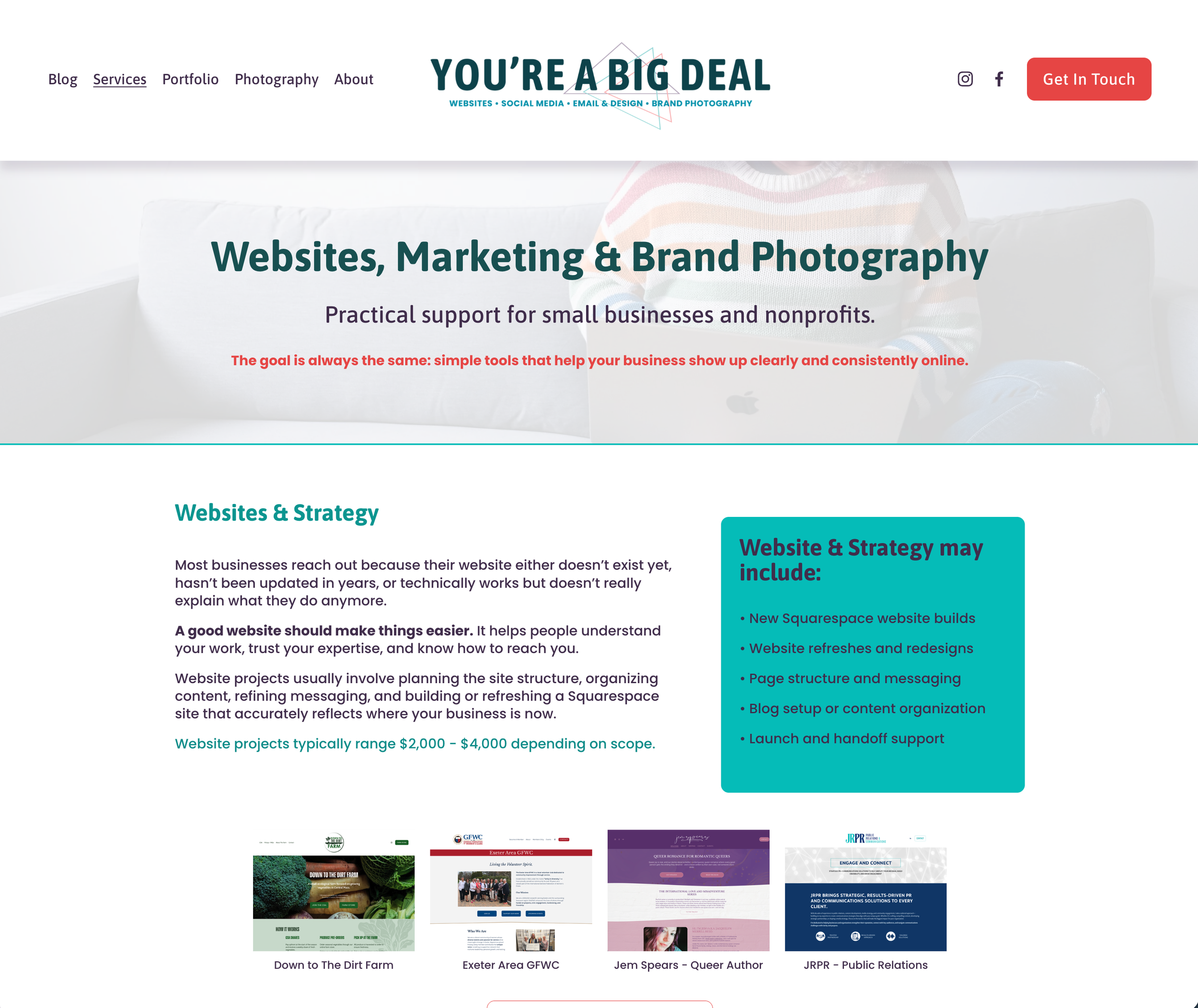
Do you services match your current work?
Check whether your services still match your business
This is one of the first places I'd look.
Small businesses evolve gradually.
You take on a project.
It goes well.
You do another one.
Suddenly, something that wasn't even listed on your website has become a significant part of your business.
The opposite happens too.
A service that once made sense becomes something you dread seeing in your inbox.
Your website doesn't know any of this unless you tell it.
Look at every service you're currently promoting and ask:
Do I still want people to hire me for this?
Then ask:
Is there something I want more of that my website barely mentions?
Your website should support where your business is going, not preserve every decision you've ever made.
Look at your website the way a new customer would
This is harder than it sounds.
You already know everything about your business.
You know what your acronyms mean.
You know which button leads where.
You know that “solutions” actually means bookkeeping or HVAC maintenance or marketing strategy.
Someone visiting for the first time doesn't.
Give yourself 30 seconds on your homepage, pretending you’re a new customer that knows nothing about your industry and answer:
What does this business do?
Who is it for?
Where does it work?
What should I do next?
For a local business, that third question is especially important.
If you work with customers in Exeter, Portsmouth, or throughout the New Hampshire Seacoast, people shouldn't have to dig through your website to figure that out.
Clear location information helps potential customers determine whether you're relevant to them. It also gives search engines better context about where your business operates.
Make sure Google is seeing the business you have now
Your website is part of your local search presence.
If you've changed services, moved, expanded your service area, changed your business name, or substantially shifted what you do, make sure your online presence reflects it.
Check your:
Website
Google Business Profile
Business directories
Social profiles
Chamber or professional listings
You don't need to obsess over making every sentence identical.
You do want all of those places to describe the same business.
That consistency also matters as people increasingly use AI tools to research local businesses. The clearer your public information is, the easier it is for people, search engines, and AI tools to understand what you actually offer.

Your photography has an expiration date too
Not because a photo suddenly becomes bad.
Because it may stop being accurate.
If your team has changed, your space looks different, your products have evolved, or your headshot is from several hairstyles ago, your photography may be telling an old story.
This is one reason I offer both website work and brand photography.
When I plan photos for a business, I think about where those images need to work.
Do we need a wide image for the homepage?
Vertical photos for social media?
Team photos?
Headshots?
Details of the work itself?
Photos that can support future blog posts or email marketing?
Updating your website and photography together can give you a much more useful collection of marketing material than simply replacing one old homepage photo.
Pay attention to the questions people keep asking
Your inbox is a pretty good website audit.
If people consistently ask questions that should have been answered before they contact you, review your website.
Do you work in their town?
Do you offer a particular service?
Do you work with nonprofits?
What happens after they contact you?
Do you work with businesses their size?
Sometimes those questions are unavoidable.
But if everyone asks the same thing, your website may be telling you exactly what it needs.
Add the answer to a service page.
Create an FAQ.
Write a useful blog post.
Clarify your homepage.
Your customers are handing you content ideas for free.
Don’t just give up and let your information be outdated.
Check the boring things
Not every website update needs strategy and soul-searching.
Sometimes you just need to click things.
Check your:
Contact forms
Email links
Phone number
Social links
Booking links
Business hours
Staff information
Footer
Copyright year
Mobile navigation
Actually submit your contact form.
You do not want a prospective customer to be the person who discovers it stopped working.
What about your old blog posts?
You don't need to delete something simply because it's old.
A useful evergreen article can continue working for you for years.
But review older posts occasionally.
Are the links still working?
Is the information still accurate?
Are you referencing a service you no longer offer?
Could the article link to a newer service page or related post?
Could a good article use a better title or updated photos?
Creating new content is useful.
Making better use of content you already have is also useful.

So, how often should you actually review your website?
For most small businesses, I'd do a quick check at least once a year.
Not a redesign.
A check.
And definitely review it when something meaningful changes in your business.
You can also make it part of your slower season, year-end planning, or another recurring point in your calendar when you already have your business-owner brain turned on.
The point isn't to create another monthly task.
You have enough of those.
The point is to avoid looking at your website three years from now and realizing it hasn't kept up with you.
Sometimes you need another set of eyes
One of the hardest parts of updating your own website is figuring out what actually needs attention.
You may think the problem is the design when the messaging is unclear.
You may think you need more pages when you actually need fewer.
You may think nobody can find you when they're finding you just fine but don't understand what you're offering once they arrive.
That's part of the work I do with small businesses and nonprofits throughout Exeter, Portsmouth, and the New Hampshire Seacoast.
Sometimes that means building a new Squarespace website.
Sometimes it means refreshing the one you already have.
And sometimes it means fixing the handful of things that are getting in the way and leaving everything else alone.
Because you don't need a new website just for the sake of a new website.
You need one that still works for your business.
Quick Questions About Updating a Small Business Website
-
Update important information whenever it changes, and give the overall site a quick review at least one a year.
You don't need to constantly change a website that is accurate and working well.
-
If the basic structure and technology still work, you may only need updated messaging, photography, services, SEO, or organization.
A full redesign makes more sense when the site no longer supports your business, is difficult to use, or would require extensive work to fix.
-
Useful updates can support local SEO by keeping your services, location information, content, and business details accurate.
Updating a page solely to make it “fresh” isn't the goal. Make changes that genuinely improve the information.
-
Usually no.
Clearly identify your primary location and general service area, then mention specific communities where they genuinely matter to your work.
For example, a Seacoast business might naturally reference work in Exeter, Portsmouth, Hampton, Newmarket, or surrounding communities without stuffing every town onto every page.
-
Yes!
The age of the website itself isn't the issue.
Accurate information, useful content, clear services, good site structure, and a strong overall online presence matter much more than continually redesigning your site.